Building a Smart Conference Assistant with .NET's Modular AI Tools
Imagine running a live conference session where polls appear automatically, audience questions get answered in real time, and a summary writes itself when the session ends. That's exactly what we built with ConferencePulse, a Blazor Server app powered by .NET's composable AI stack. Instead of juggling mismatched libraries and breaking changes, we used a set of unified, extensible building blocks from Microsoft. This guide breaks down how each piece fits together, from data ingestion to multi-agent workflows. Whether you're a .NET developer new to AI or looking to streamline your own app, these Q&A will walk you through the architecture and decisions behind our conference assistant.
What is ConferencePulse and what does it do?
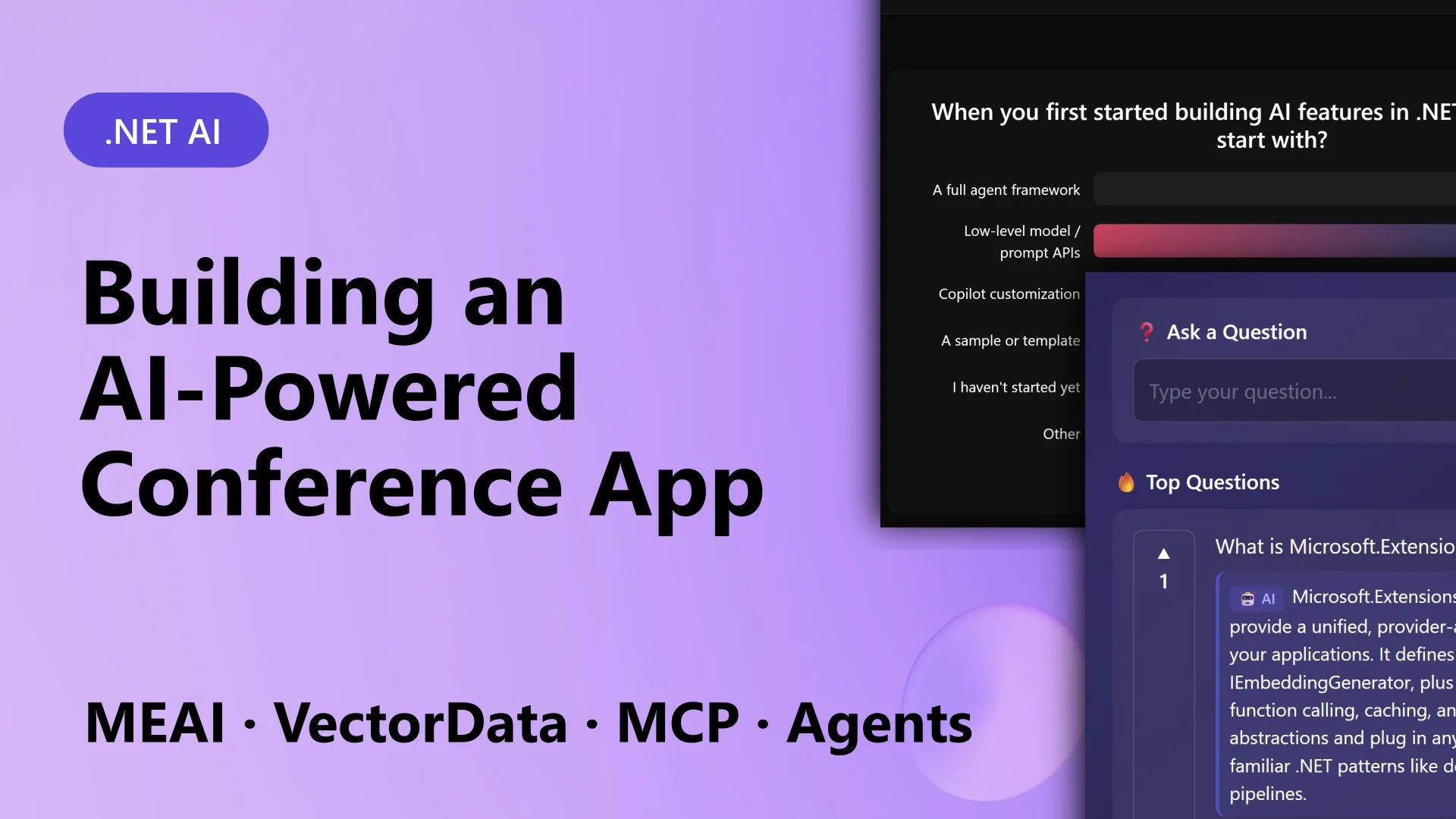
ConferencePulse is an interactive conference assistant built as a Blazor Server app. Attendees join a session by scanning a QR code, then participate in live polls and a Q&A chat. Behind the scenes, AI powers several key features. First, the app generates live polls based on the session's content—attendees vote and results update in real time. Second, it handles audience questions using a Retrieval-Augmented Generation (RAG) pipeline that pulls answers from a knowledge base built from the session's GitHub repo, Microsoft Learn docs, and wiki content. Third, it automatically surfaces insights from poll results and question patterns as they come in. Finally, when the presenter ends the session, multiple AI agents work in parallel to analyze polls, questions, and insights, then merge their findings into a concise session summary. The goal was to move beyond static slide decks into a live, data-driven experience that also automates preparation—just point the app at a GitHub repo, and it ingests markdown files, processes them, and builds a searchable database. The entire stack runs on .NET 10 with Aspire orchestration.
What are the core components of the AI stack used in ConferencePulse?
The app relies on five main projects, each addressing a specific concern. The UI and orchestration live in the ConferenceAssistant.Web Blazor Server project. Core models, interfaces, and session state are in ConferenceAssistant.Core. Data ingestion and vector search are handled by ConferenceAssistant.Ingestion. AI agents, workflows, and tools are in ConferenceAssistant.Agents. And Model Context Protocol (MCP) communication is managed by ConferenceAssistant.Mcp. The whole thing is tied together with .NET Aspire in ConferenceAssistant.AppHost, which wires up dependencies like Qdrant (vector database), PostgreSQL, and Azure OpenAI. These components work together seamlessly because they all use common abstractions from Microsoft.Extensions.* libraries, making the stack composable and provider-agnostic.
How does Microsoft.Extensions.AI unify AI calls across different providers?
Microsoft.Extensions.AI provides a single, unified interface called IChatClient. This abstraction works with multiple AI providers—including OpenAI, Azure OpenAI, Ollama, and Foundry Local—without changing your application code. Every AI call in ConferencePulse, from generating poll questions to answering attendee queries, goes through this interface. This means you can switch providers during development or even in production by simply changing a configuration value. The library also handles common tasks like token counting, streaming, and tool calling consistently. For example, when the app generates a live poll, it calls IChatClient with a system prompt describing the session content, and the underlying provider handles the rest. This decouples your business logic from vendor-specific SDKs, reducing breaking changes and making the codebase cleaner and more maintainable.
How does data ingestion and vector search work in ConferencePulse?
The data ingestion pipeline, built with Microsoft.Extensions.DataIngestion, takes source documents—like markdown files from a GitHub repo—and processes them into a searchable knowledge base. The pipeline first parses the markdown into chunks, then generates embeddings using a configured AI model (e.g., Azure OpenAI), and finally stores the embeddings in Qdrant, a vector database. This is all coordinated through Microsoft.Extensions.VectorData, which provides a consistent abstraction for vector stores. When a user asks a question, the app performs a similarity search against the stored embeddings to retrieve the most relevant chunks. Those chunks are then sent to the AI model along with the question, enabling the RAG pipeline to produce grounded answers. The beauty is that you can swap out the vector store (e.g., from Qdrant to PostgreSQL with pgvector) by just changing the registration, thanks to the abstraction layer.

What role does the Model Context Protocol (MCP) play in the app?
The Model Context Protocol (MCP) is used to expose tools and data from the app to AI agents in a standardized way. In ConferencePulse, the MCP server runs as a separate project (ConferenceAssistant.Mcp) and provides tools like get_poll_results, query_knowledge_base, and fetch_insights. These tools are described using MCP's schema so that AI agents can discover and call them automatically. For example, when the agent responsible for generating the session summary needs to gather poll data, it calls the MCP tool to fetch the current results. Similarly, the Q&A agent uses MCP to access the RAG pipeline. This decouples agent logic from the underlying implementation—agents just use MCP's standard protocol, making the system extensible. You could easily add new tools or swap out the knowledge base without changing agent code, as long as the MCP contract stays the same.
How are multiple AI agents orchestrated to produce session summaries?
When the presenter ends a session, the app triggers a multi-agent workflow defined in the Microsoft Agent Framework. Several agents run concurrently: one analyzes poll results, another reviews audience questions, and a third examines auto-generated insights. Each agent uses MCP tools to gather its specific data. Once all agents finish, a merging agent combines their findings into a cohesive session summary. This parallel execution speeds up the process, and the orchestration layer handles dependencies and error recovery. The agent framework also allows for custom tool calls and LLM integrations, all through the same IChatClient abstraction. For instance, if a poll analysis agent needs to compare trends, it can call a custom tool that does statistical analysis. The result is a comprehensive summary that goes beyond simple concatenation, offering synthesized insights that help presenters improve future sessions.
Can this stack be used for non-conference apps, like customer support or training?
Absolutely. While ConferencePulse is tailored to live sessions, the underlying composable AI stack is completely generic. The same building blocks—Microsoft.Extensions.AI for multi-provider calls, Microsoft.Extensions.DataIngestion for document processing, Microsoft.Extensions.VectorData for vector search, MCP for tool exposure, and Microsoft Agent Framework for orchestrating agents—can power any application that needs retrieval-augmented generation, real-time insights, or multi-agent workflows. For example, a customer support app could ingest knowledge base articles, answer queries via RAG, and generate daily summaries of common issues. A training platform could create personalized learning paths and automatically quiz users on content. The key is that each component is designed to be swapped or extended independently, so you can start with a simple chatbot and later add agents, change vector stores, or integrate new AI models without rewriting the whole application. That's the power of a composable stack.